Text Messaging Terms
Last updated October 1, 2026
Centricity Portal can send text messages about your applications, permits, licenses and inspections. Texts are sent by Centricity GIS on behalf of the city or county whose portal you use, from +1 (888) 670-2986. Texting is optional and off unless you turn it on.
How you sign up
Signed in to your city's portal, open My Account → Notifications, enter your mobile number and check the box below. The box is never checked for you. A screenshot of the form is also available here.
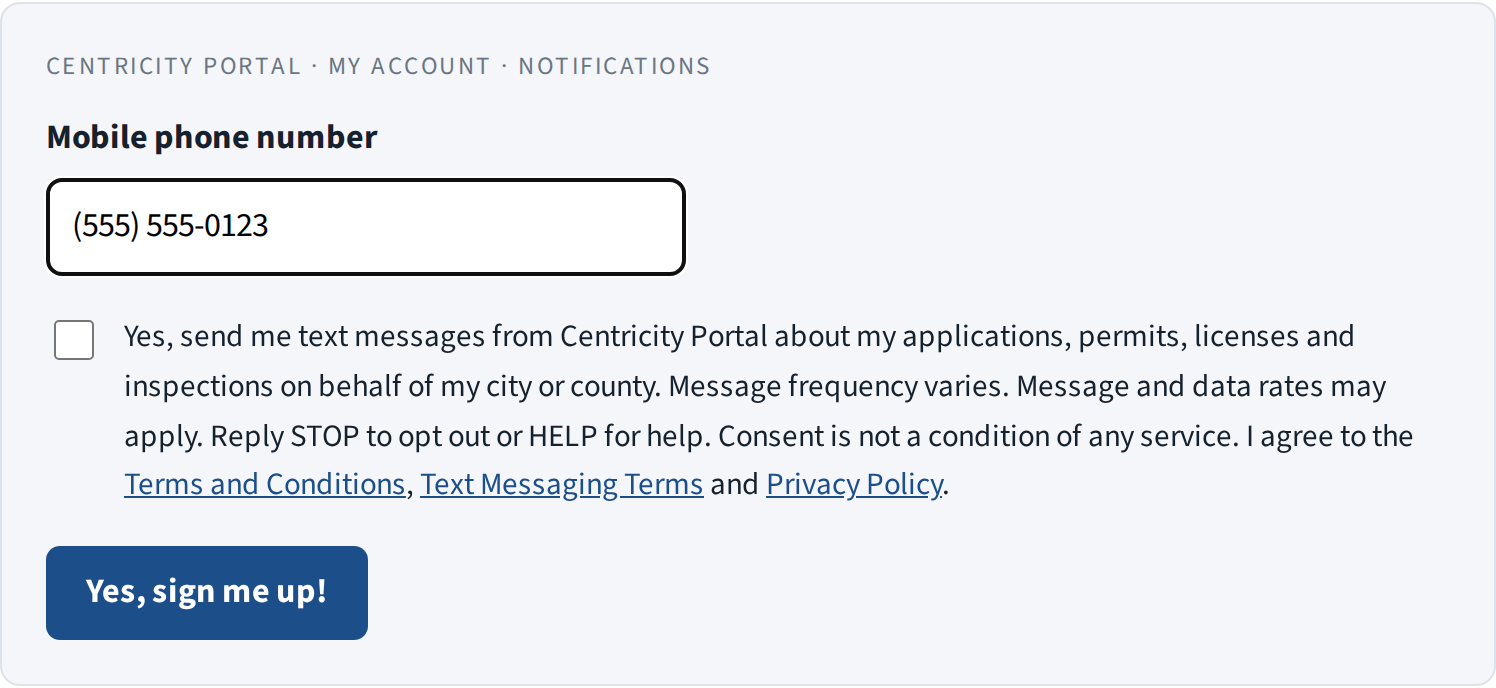
We record the phone number, date and time of each consent. City staff may also turn on texts for you if you ask them to; that consent is recorded the same way.
What we send
- Application, permit and license status changes
- Inspection scheduling, reminders and results
- Fee and payment confirmations
- One-time verification codes for your account
We do not send marketing or promotional messages.
Frequency and cost
Message frequency varies with your activity, typically a few messages per application. Message and data rates may apply. Centricity GIS does not charge for texts.
How to stop
Reply STOP to any message to stop all texts. You'll get one confirmation and no further messages. Reply START to sign up again. You can also turn texts off at any time in My Account → Notifications.
Help
Reply HELP, or email support@centricitygis.com.
Other terms
- Supported on all major US carriers. Carriers are not liable for delayed or undelivered messages.
- Your mobile number and consent are handled as described in our Privacy Policy. We never sell or share them for marketing.
- These terms are part of the Centricity Portal Terms and Conditions.